







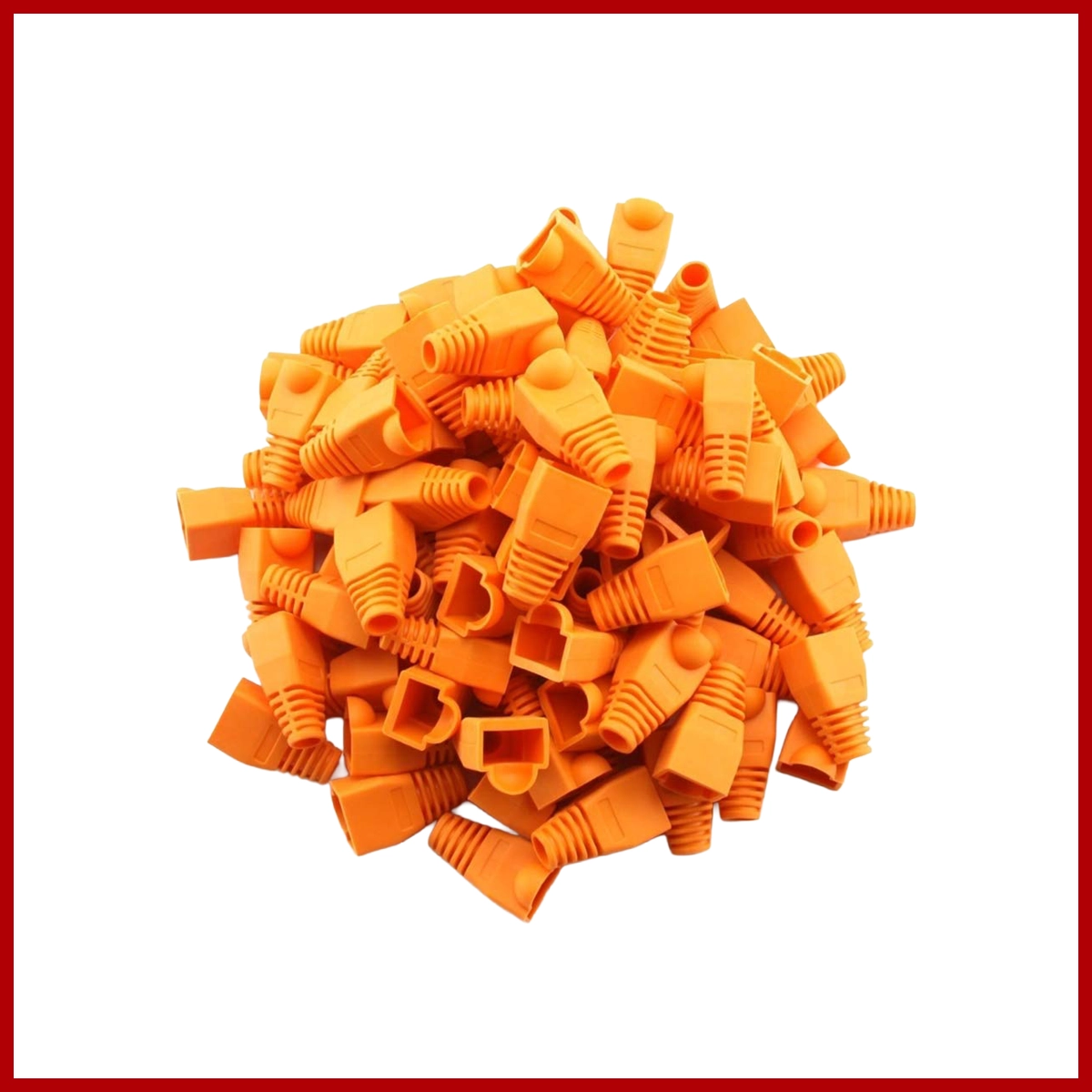
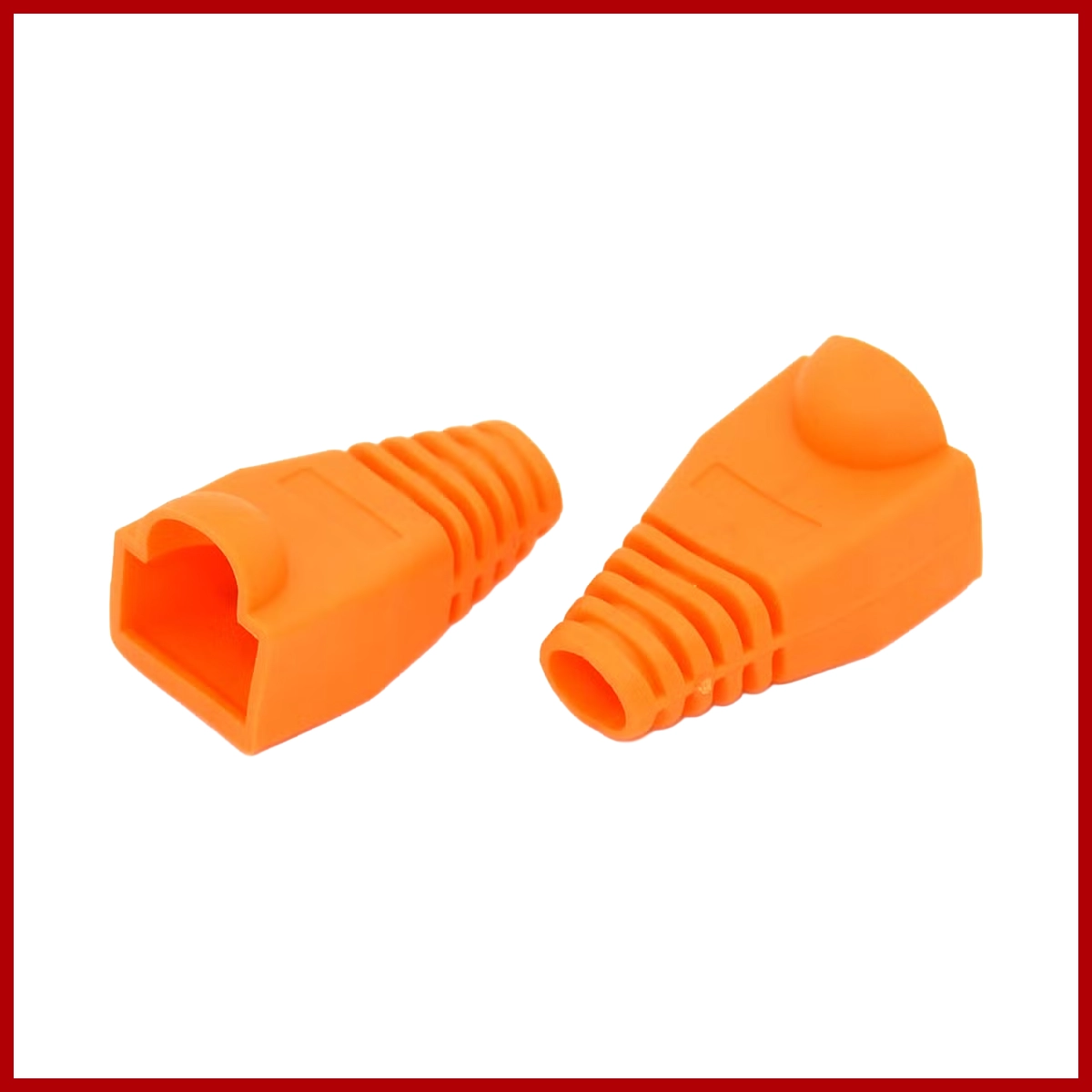
An orange RJ-45 plug boot is a protective rubber or plastic cover slid onto an Ethernet cable before crimping. It prevents snagging, reduces strain on the connector clip, and color-codes Cat5e, Cat6, or Cat7 network lines for fast visual organization.
Key Features and Uses
- Strain Relief: Stops the cable from bending too sharply right behind the RJ-45 plug.
- Snag Protection: Covers the plastic locking tab so it does not catch on other wires or equipment when pulled through tight spaces.
- Color Coding: Uses bright orange to mark specific networks, VLANs, VoIP setups, or connection types.
- Compatibility: Works with standard 8P8C modular plugs used on Cat5e, Cat6, and many slim Cat7 cables.
Installation Steps
- Slide the orange boot onto the bare Ethernet cable before attaching the RJ-45 connector. Ensure the narrow end faces outward toward the plug.
- Strip the cable outer jacket and arrange the internal wires following your T568A or T568B color scheme.
- Insert the wires fully into the RJ-45 modular plug and crimp it down with a standard crimping tool.
- Push the orange boot forward over the back of the crimped RJ-45 plug until it clicks snugly into place.
Related products
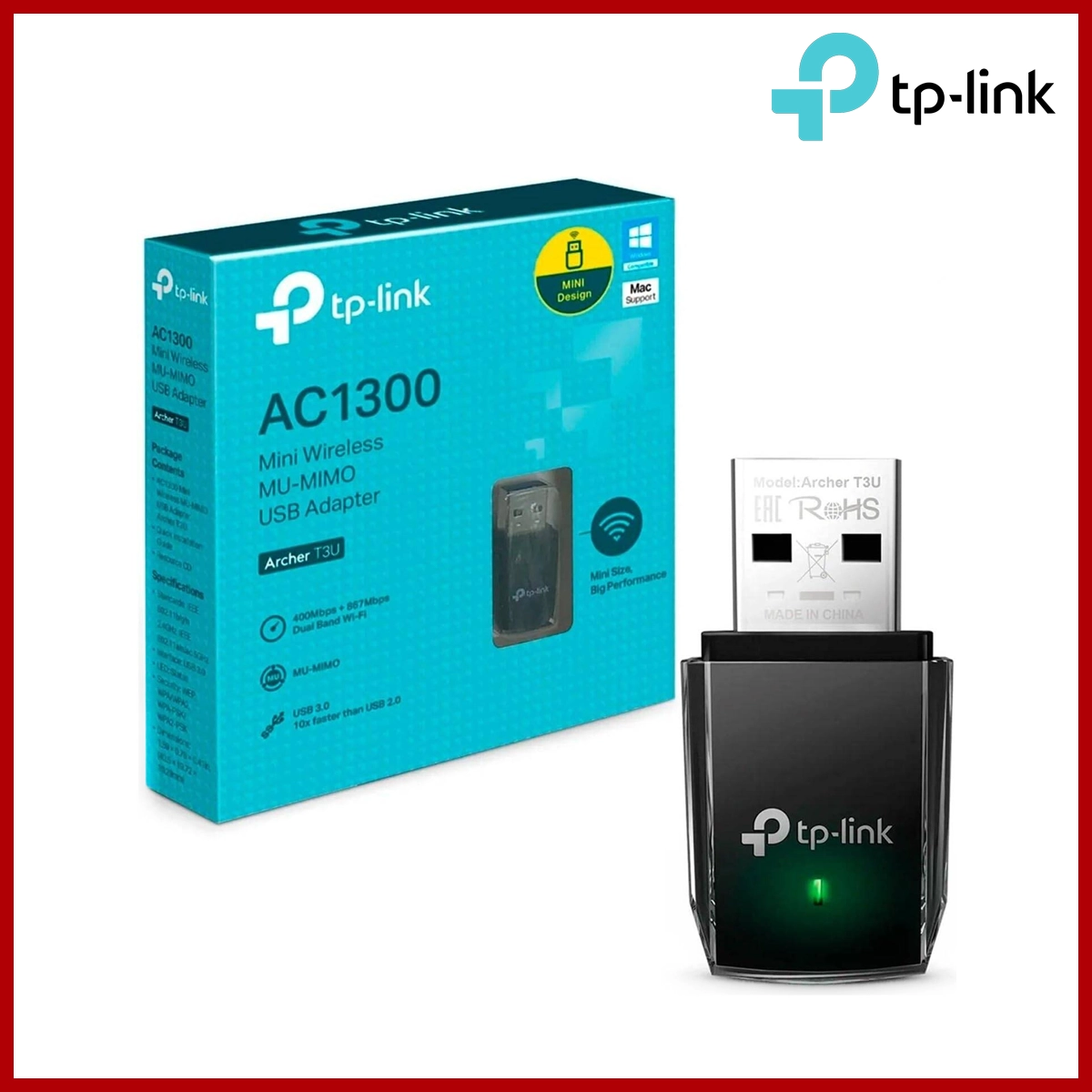
Tp-Link T3U USB Wireless
$15.00
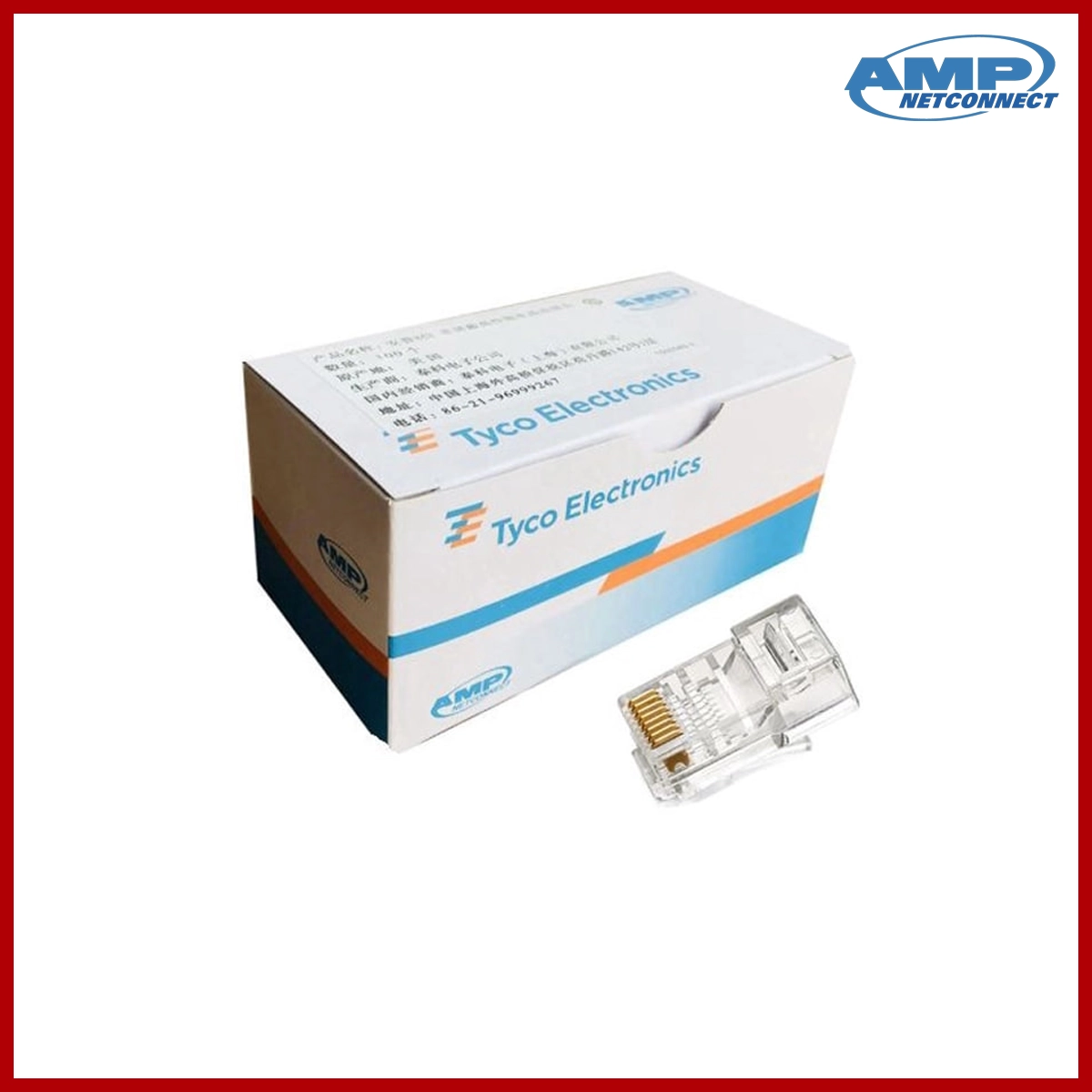
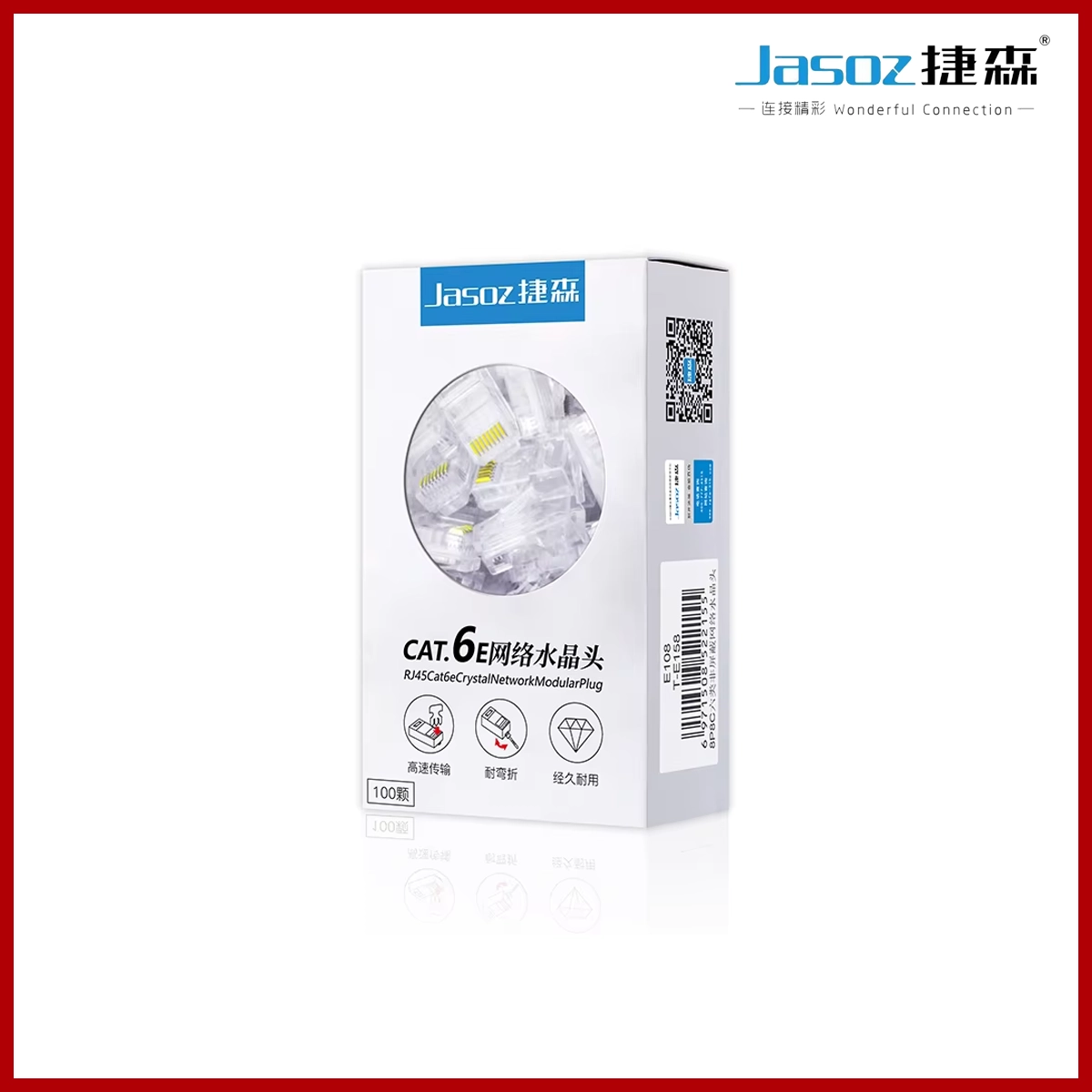
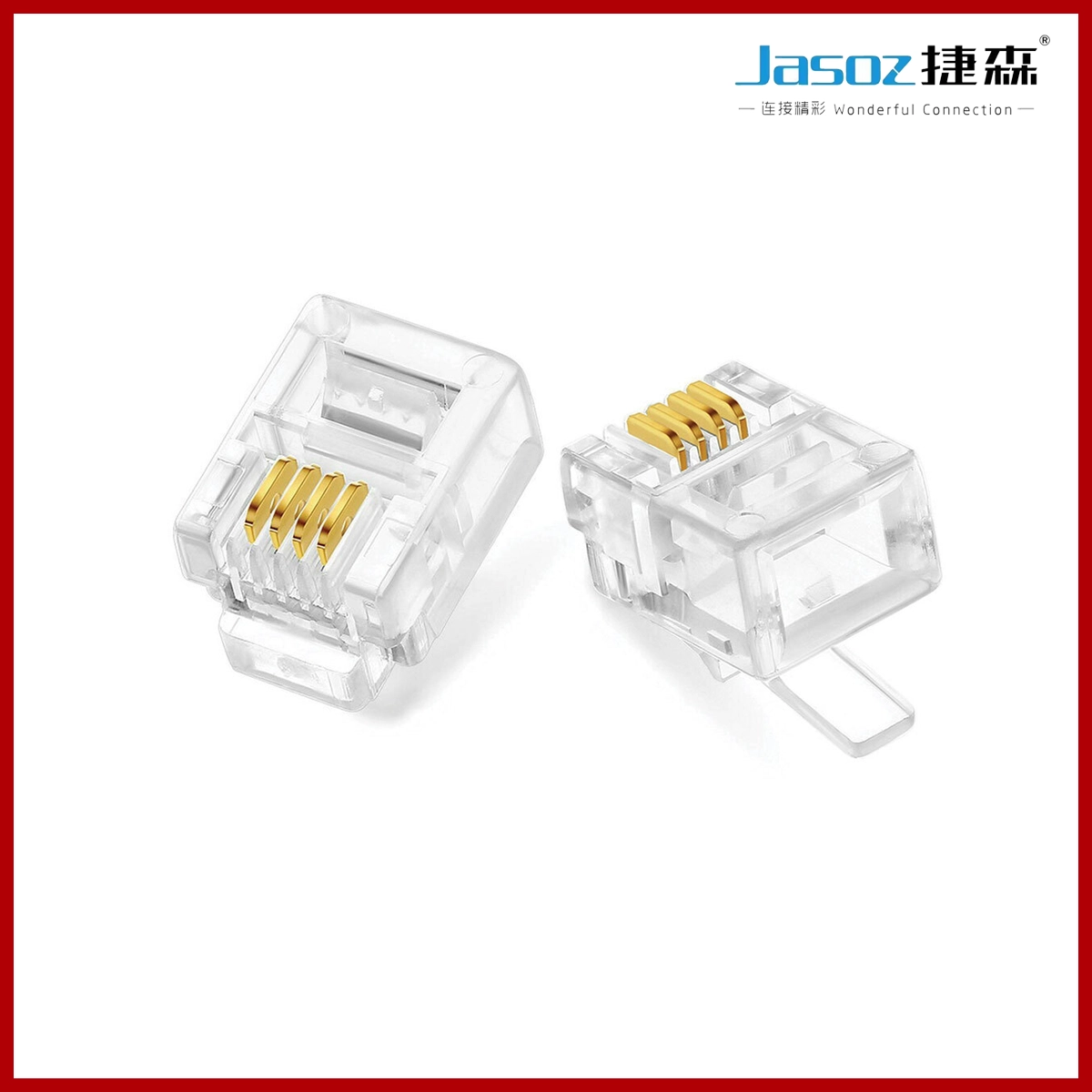
AMP RJ45 Connector CAT6 Good
$15.00
Frequently Bought Together
No frequently bought products found!
Products from this Seller
View All


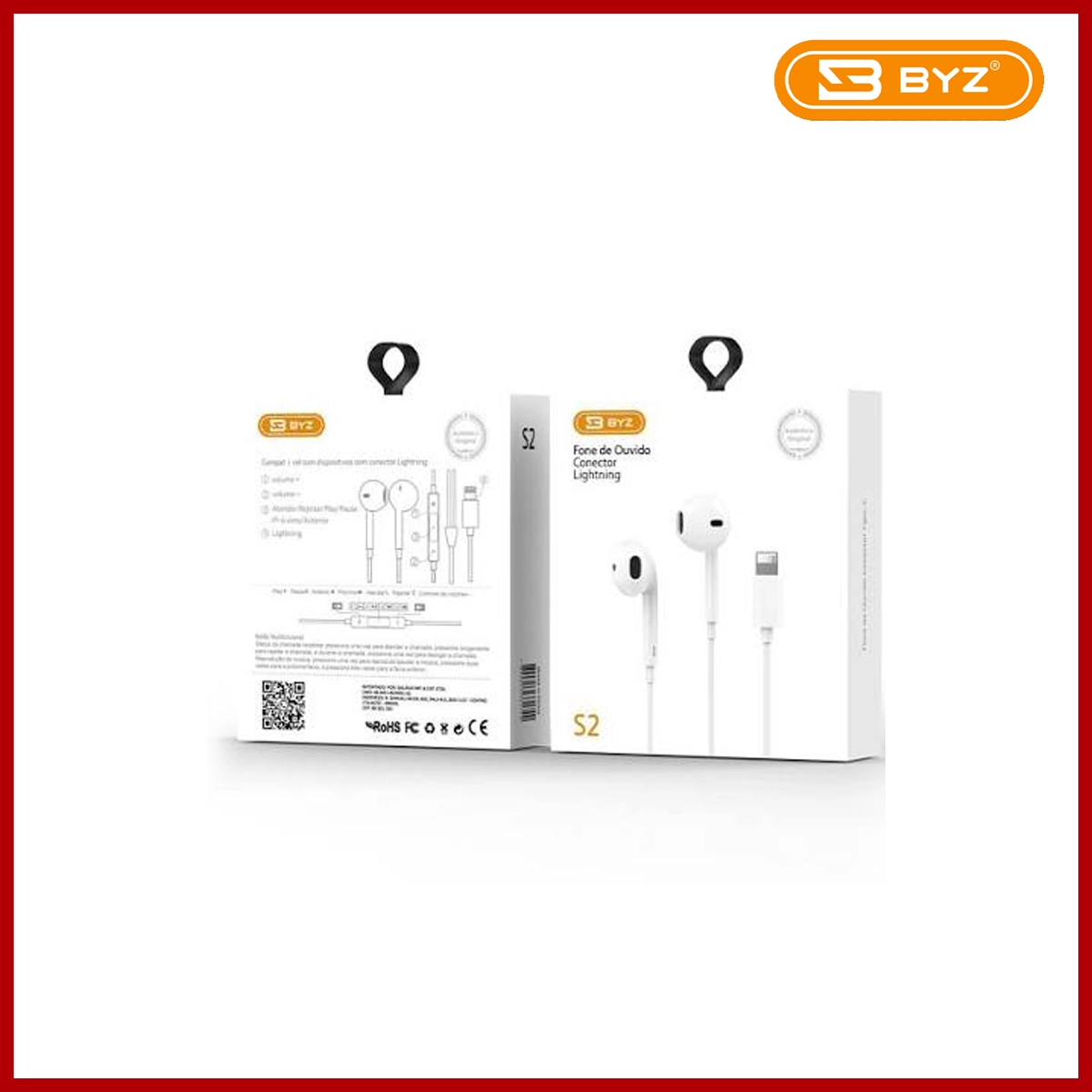
BYZ Earphone S2 3.5MM White
$15.00




Share with Friends
Trading is more effective when you share products with friends!Share you link
Share to