










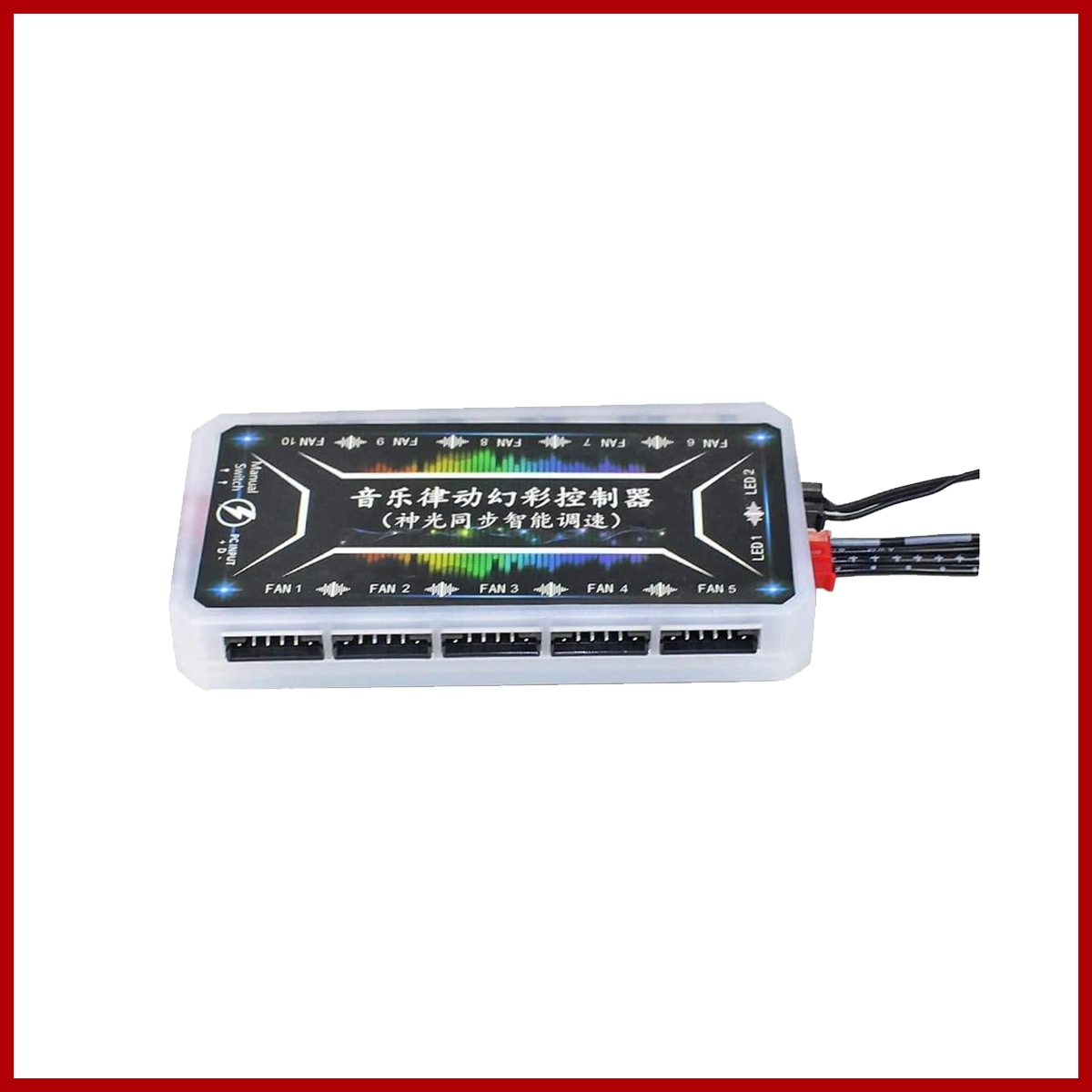
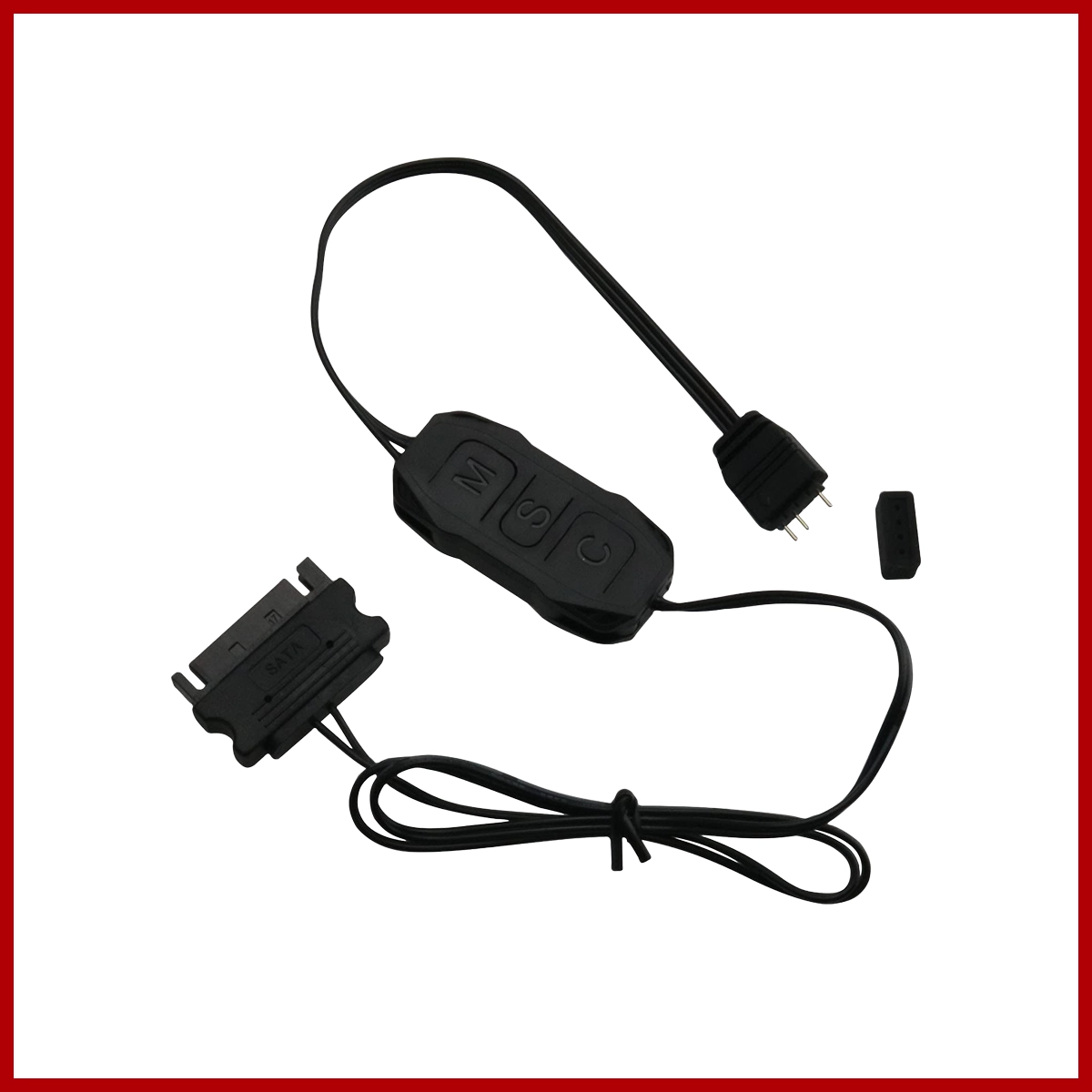
RGB Fan Controller with 6Pin Interface and 4Pin (10 Fan, 2 LED Strips, and Music Remote Control)
Brand
OEM
SKU
80001178
An RGB fan controller with 10 six-pin fan ports, 2 four-pin LED strip ports, and a music-reactive wireless remote (commonly made by brands like Coolmoon) lets you power and sync up to 10 proprietary 6-pin cooling fans and 2 standard 4-pin LED strips using a single compact hub.
Key Technical Specs
- Fan Ports: 10 × 6-pin slots (proprietary layout combining fan power, speed control, and RGB data)
- LED Strip Ports: 2 × 4-pin slots (for compatible 4-pin light bars or strips)
- Power Input: Usually DC 12V 5A via a SATA or large 4-pin Molex power connector from the PC power supply
- Control Modes: Wireless IR/RF remote control, preset dynamic/static lighting modes, music rhythm/sound-reactive mode, and optional motherboard sync cables
Installation Steps
- Mount the Hub: Secure the control box inside your computer case using double-sided tape or Velcro in a clean spot behind the motherboard tray.
- Connect Power: Plug the main power cable from the hub into your power supply unit (SATA or Molex cable). Important: Do not plug live/raw power into the 4-pin LED strip ports directly or you may burn out the LEDs.
- Plug in Fans: Connect up to 10 of your 6-pin case fans into the numbered 6-pin ports on the hub.
- Plug in LED Strips: Connect your 1-2 pieces of 4-pin LED strips into the designated 4-pin ports.
- Test the Remote: Remove the plastic battery tab from the music remote control and test the color, speed, and music-sync functions.
Important Compatibility Warning
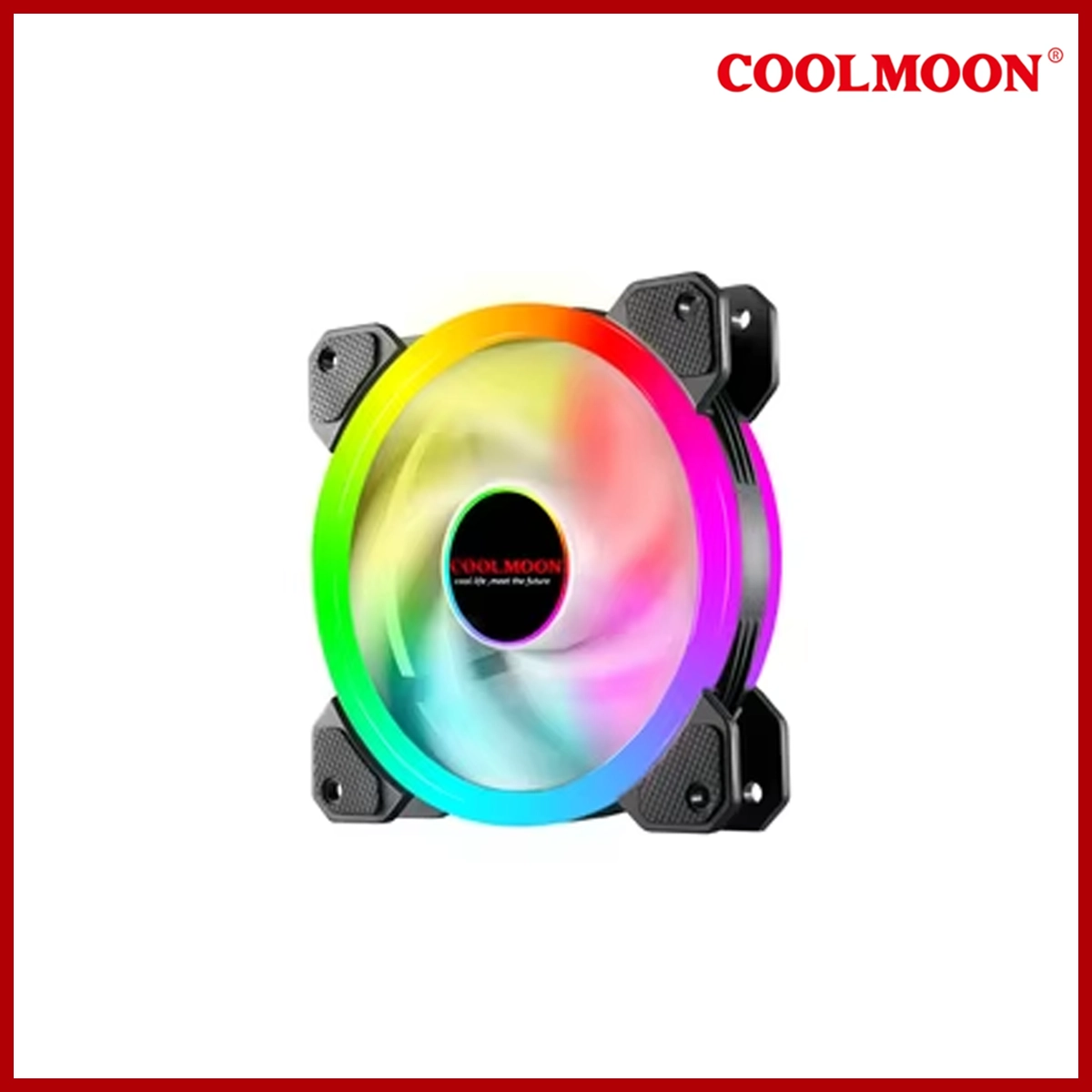
- Proprietary Pins: 6-pin fan connectors are not universal. They are generally designed to work exclusively with matching brand fans (such as Coolmoon fans). Plugging a different brand of 6-pin fan into this hub can mismatch the pin layout and damage the LEDs or fan motor. Always verify your fan brand matches the control box manufacturer.
Related products















Frequently Bought Together
No frequently bought products found!
Products from this Seller
View All
















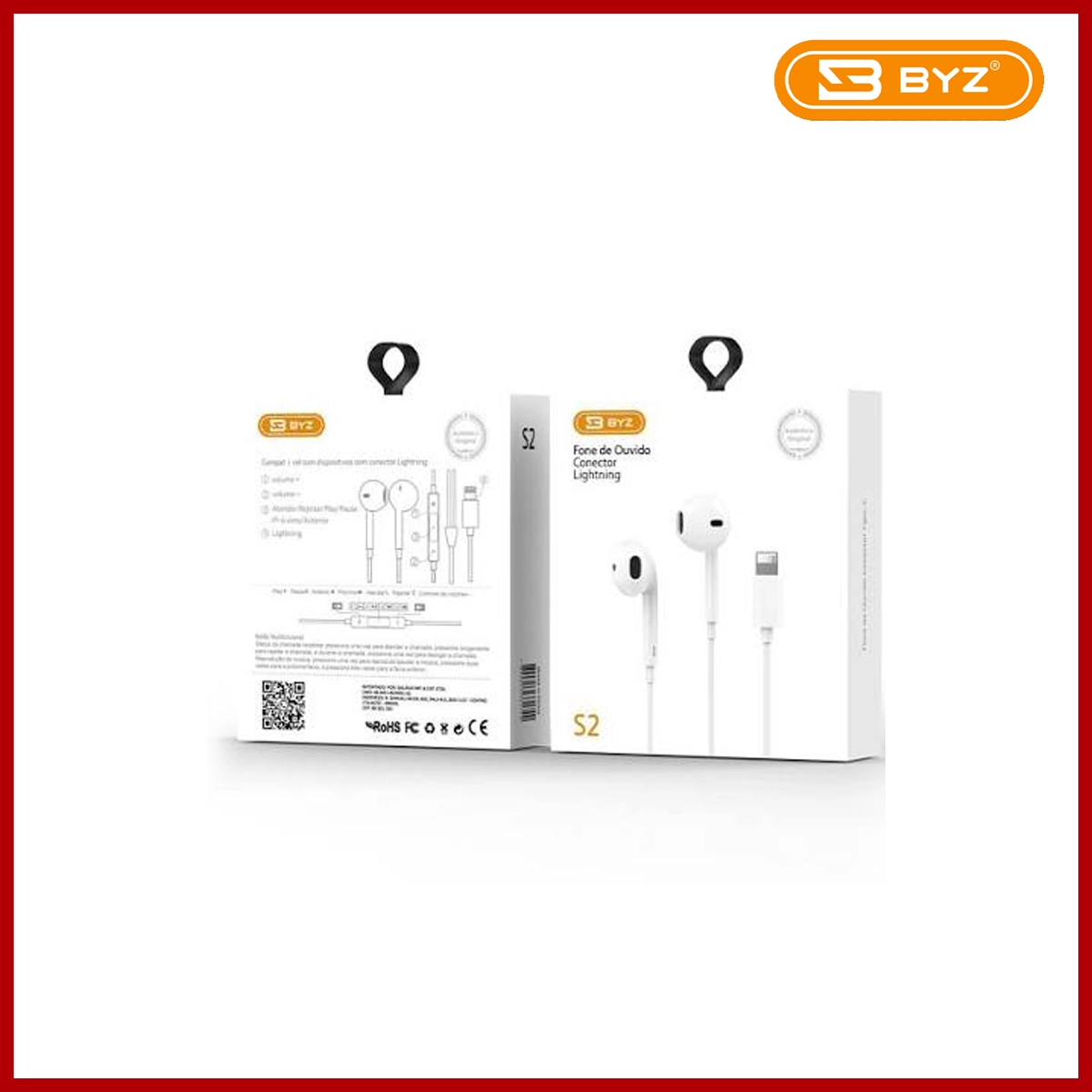
BYZ Earphone S2 3.5MM White
$15.00




Share with Friends
Trading is more effective when you share products with friends!Share you link
Share to