









RGB Fan Controller with 6Pin Interface and 4Pin (10 Fan, 2 LED Strips, and Remote Control)
Brand
OEM
SKU
80001175
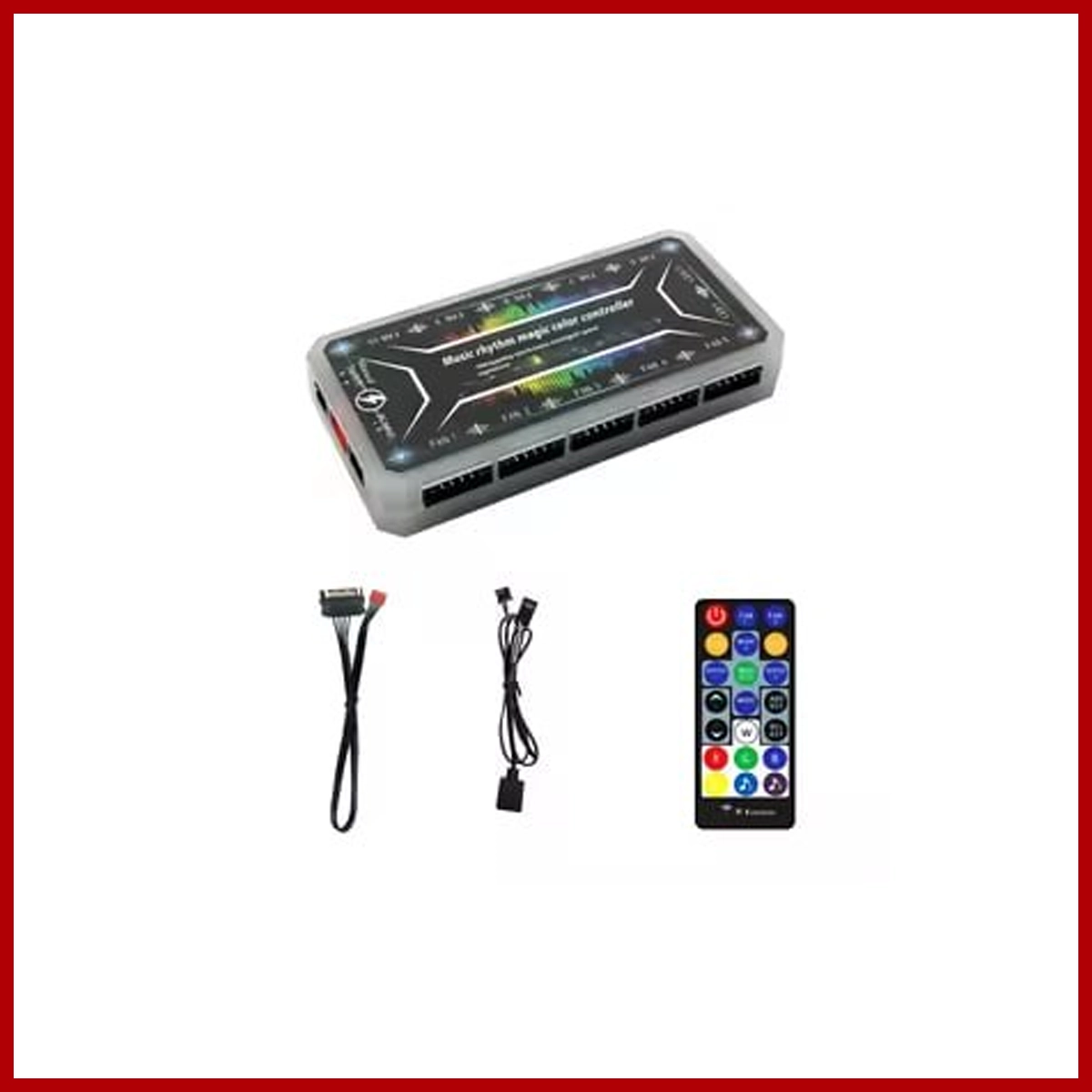
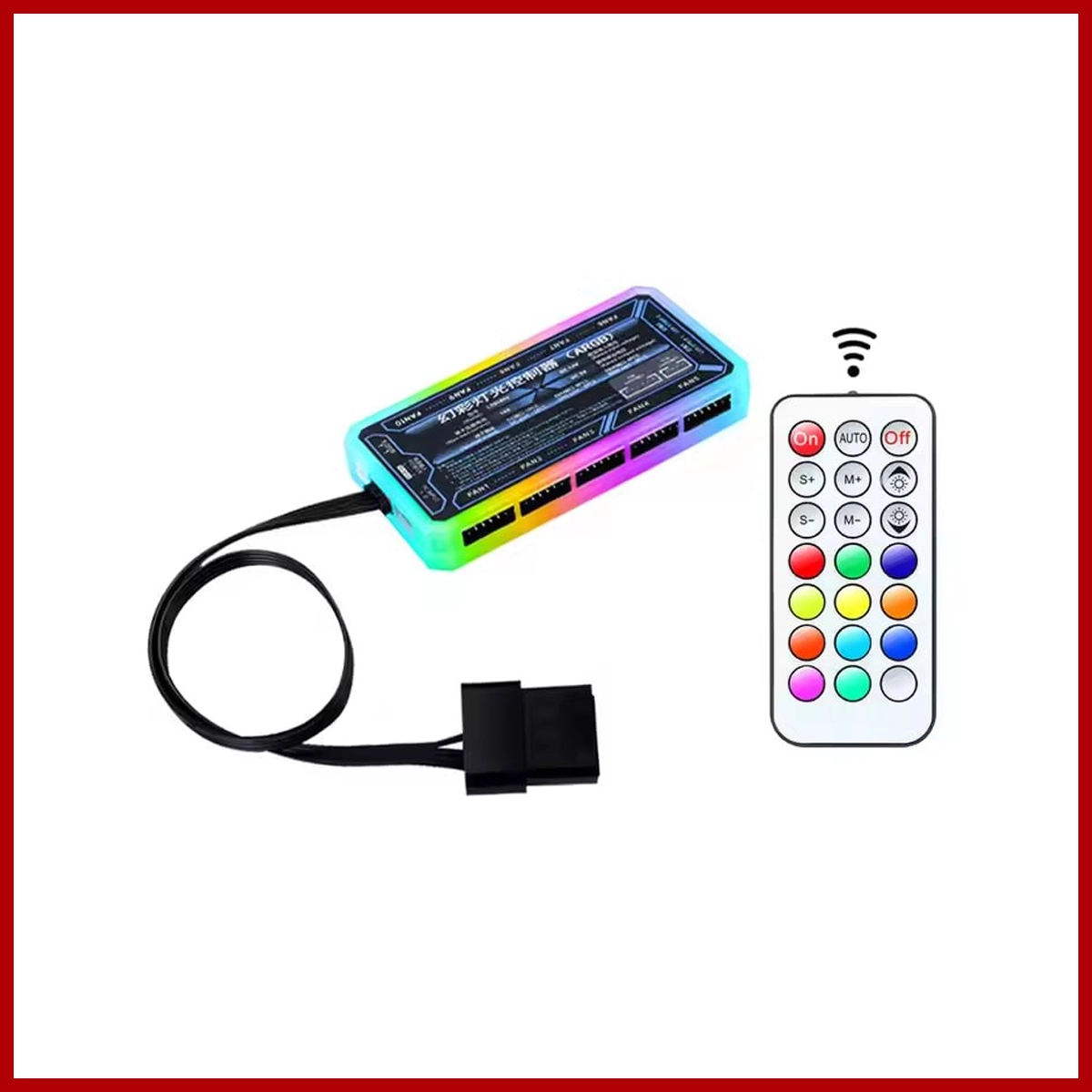
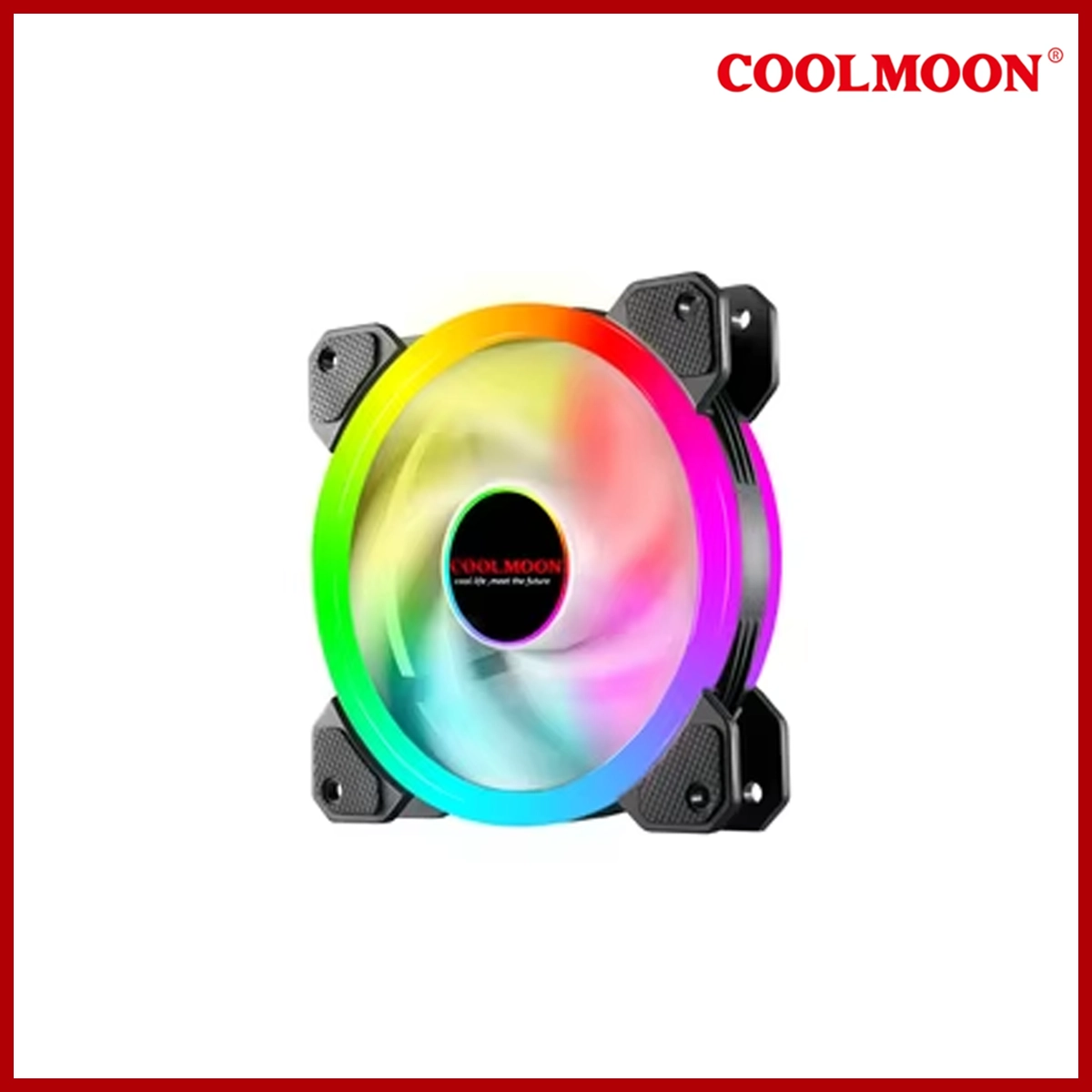
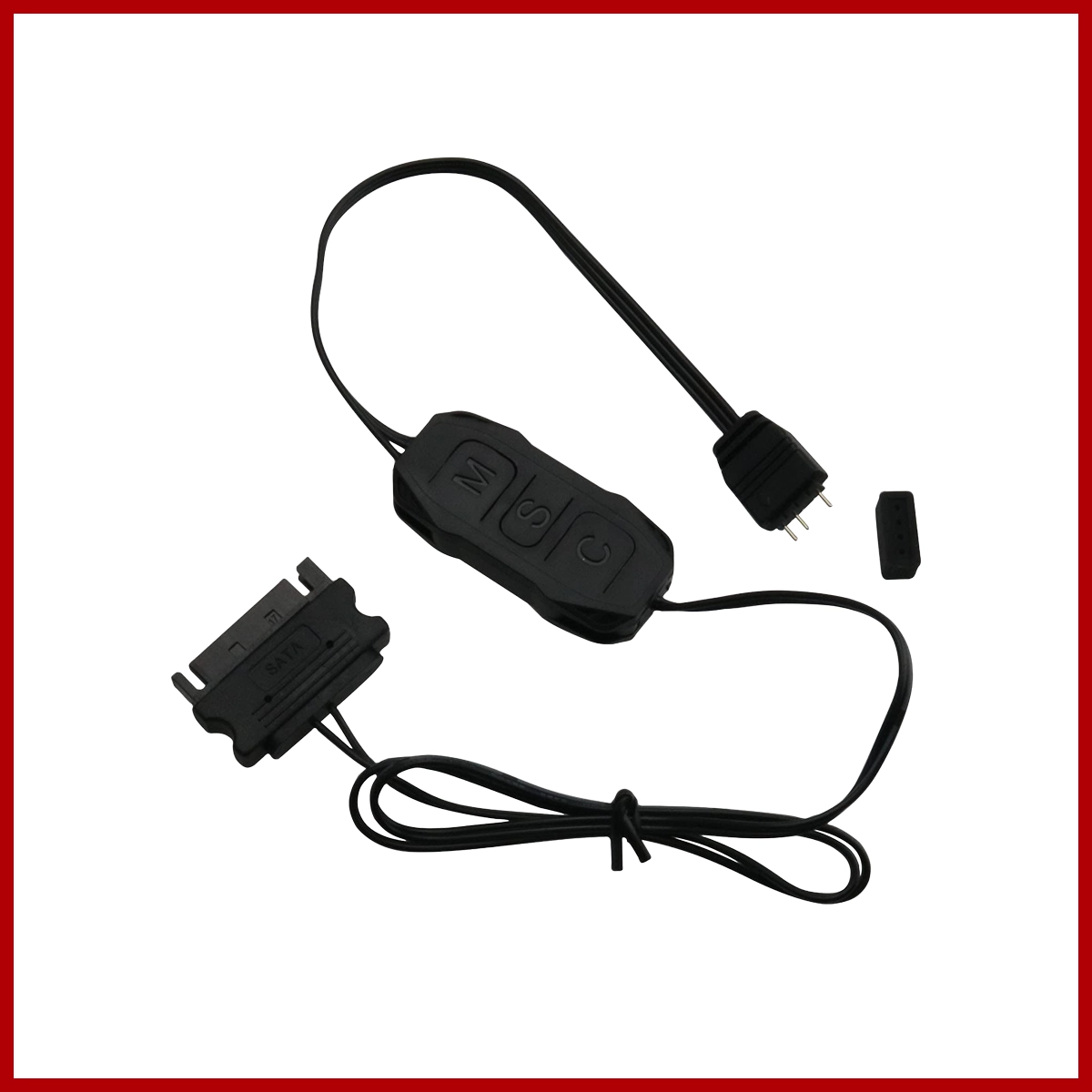
An RGB fan controller with 10 six-pin fan ports and two four-pin LED strip ports uses a wireless remote control and a SATA or Molex power cable to run custom lighting and cooling. These hubs are standard for budget fan multi-packs (commonly made by brands like Coolmoon or Jungle Leopard) where power and LED signals travel through a single 6-pin cable per fan.
Controller Specs & Features
- Fan Ports: 10 proprietary 6-pin slots (combines fan power, PWM speed control, and RGB data into one plug).
- LED Ports: 2 4-pin slots for 5V ARGB light bars or LED strips.
- Power Input: SATA power connector plugging straight into your PC power supply.
- Control: Wireless Infrared (IR) or RF remote control for colors, modes, and speeds.
Installation Steps
- Mount the Hub: Secure the control box inside your computer case, usually on the back side panel (many use a magnetic back or adhesive tape).
- Connect Power: Plug the SATA power cable from the hub directly into an available SATA power lead coming from your PC's power supply.
- Plug in Fans: Connect up to 10 of your 6-pin case fans into the numbered 6-pin ports on the hub.
- Plug in LED Strips: Connect your 4-pin LED strips into the two dedicated 4-pin lighting ports.
- Test the Remote: Remove the plastic battery tab from the wireless remote and power on your PC system to test the light modes.
Related products




Frequently Bought Together
No frequently bought products found!
Products from this Seller
View All














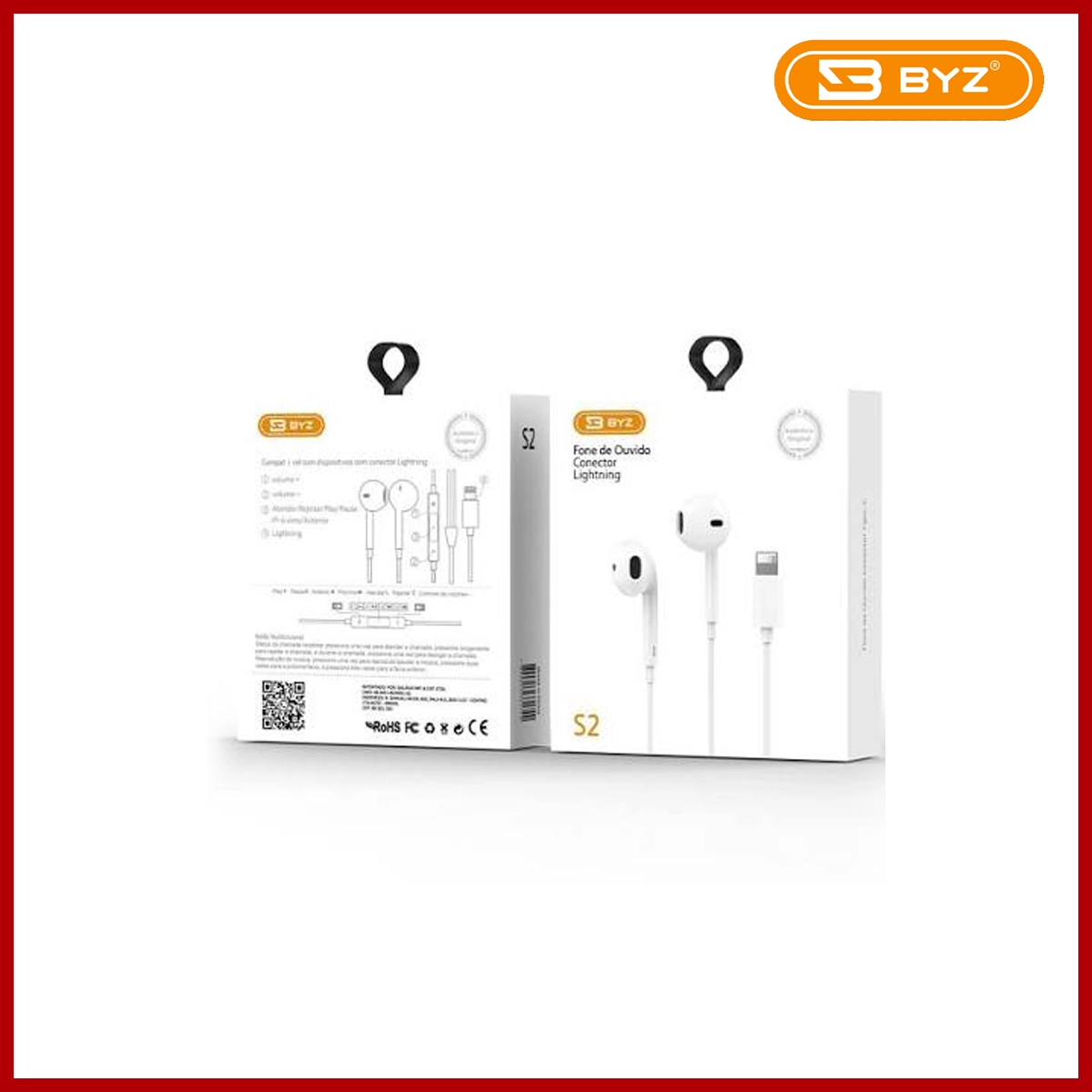
BYZ Earphone S2 3.5MM White
$15.00




Share with Friends
Trading is more effective when you share products with friends!Share you link
Share to